Every AI coding quota, in one place
How much of Claude, Codex, Cursor, Kimi, Grok and DeepSeek is left, when each window refills, and whether you are spending faster than the clock. On iPhone, iPad and the Mac menu bar.
Coming soon to the App Store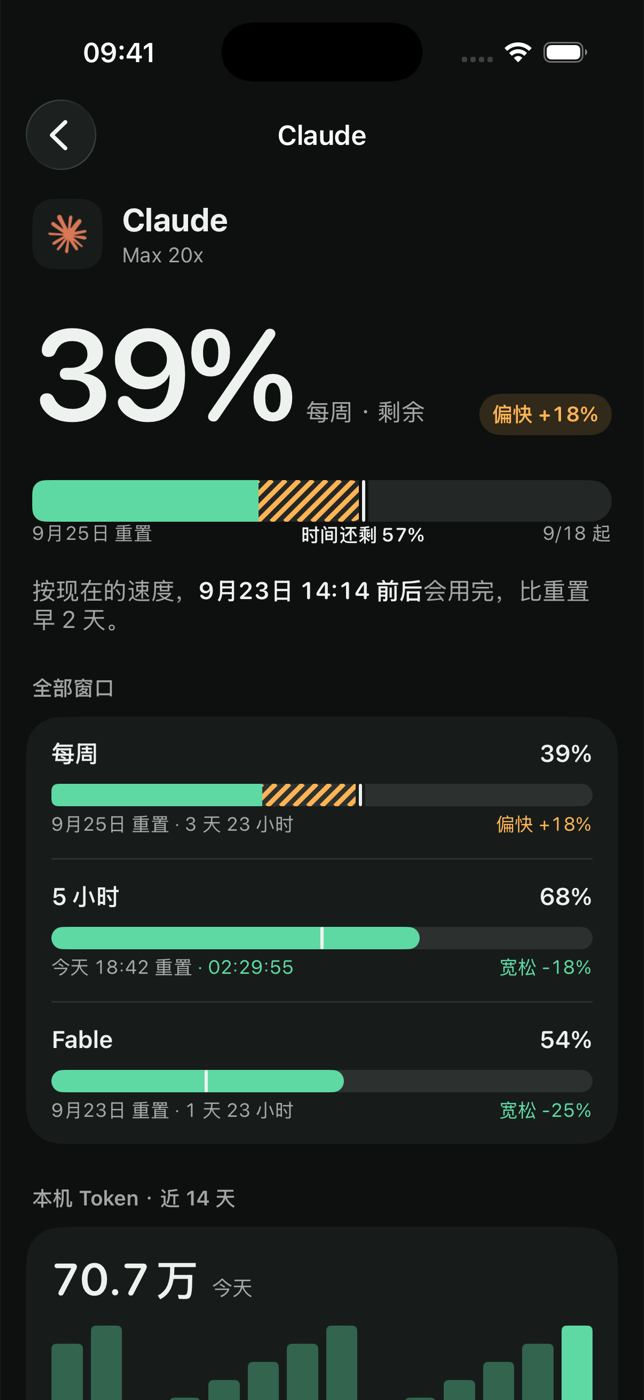
Built around one question: can I keep going?
Not a dashboard of everything. The reading, the reset, and the pace.
The pace bar
Every window shows what you have used against how much of the period has passed. Ahead of the clock turns amber, with when you would run out.
One refill timeline
All accounts on a single seven-day axis, in the order their windows come back.
Menu bar, widgets, lock screen
The tightest account sits in the Mac menu bar; iPhone and iPad get home screen and lock screen widgets.
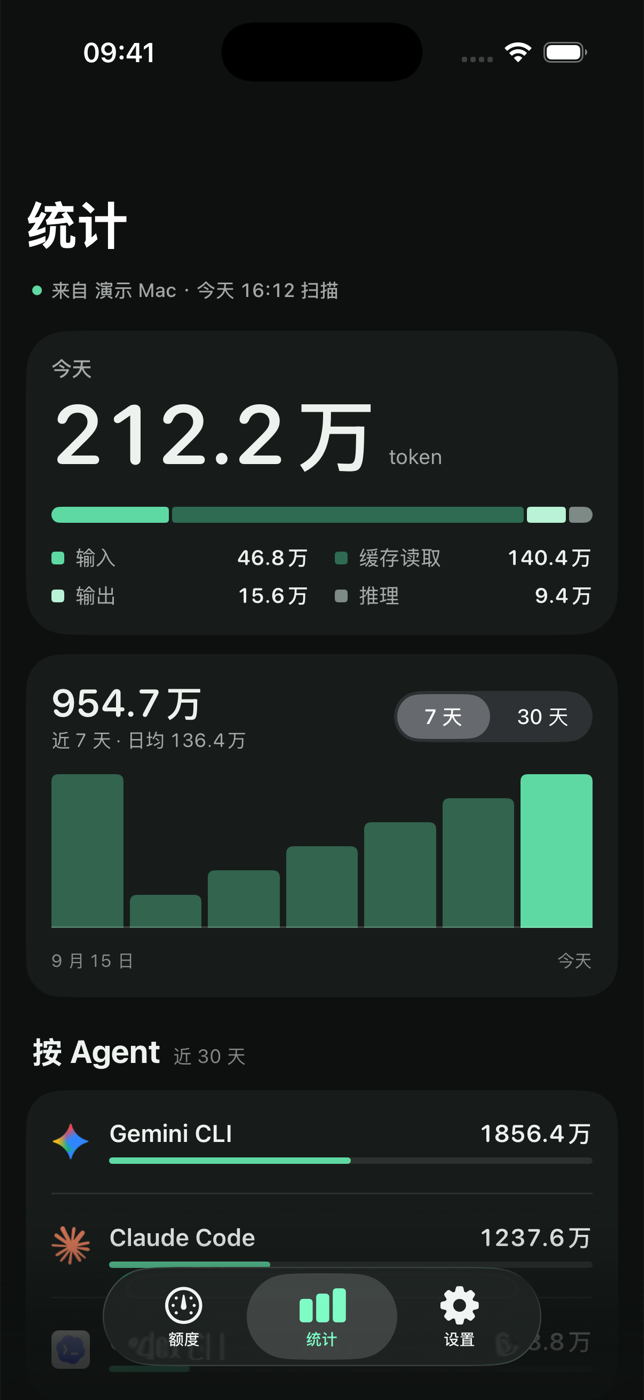
Token statistics
The Mac reads the local logs of your coding agents and totals tokens by day, model and source. Conversations are never read out of your Mac.
Your own iCloud
Accounts and readings sync through your private iCloud database. There is no vibeUsage server and no vibeUsage account.
Plugins
A service that is not built in can be added as a small script, written by the AI you already use from a prompt the app provides.
vibeUsage PRO
The free version monitors one account. Pro puts them all together and tells you when something needs attention.
- Unlimited accounts - several of the same service too, all on one refill timeline.
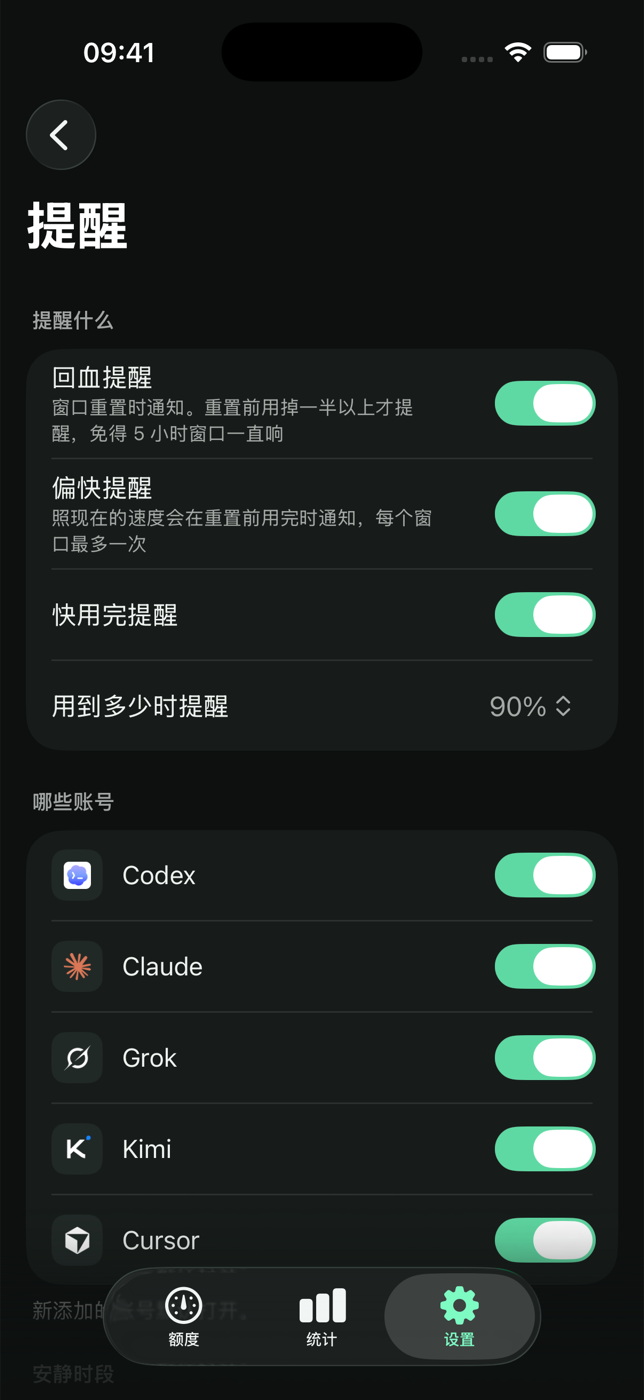
- Alerts - spending too fast, nearly out, refilled - one notification each, with quiet hours.
- Buy once - no subscription. One purchase unlocks iPhone, iPad and Mac on the same Apple ID.
Keep Claude readings up to date
Enable Active Refresh in vibeUsage, then open the downloaded Helper once. It installs automatically and returns to the app.
Get the Helper